See it. Follow it. Check it.
Five clear steps—from staff registration to checking a received report.
Blank screen references and a labelled email illustration. Guide text is in English; no personal or client data is included.
Register once
Choose Register. Add your staff profile, organisation, work location and requested role.
Access is confirmed separately; selecting a role does not unlock data.
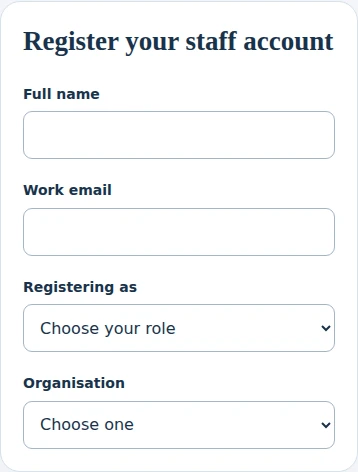
Screen reference · Register once Select the image to enlarge. Open your email link
Use the same email and browser to finish sign-in. If a valid session is saved, you do not need to request another link.
Never forward your sign-in link. If access is pending, wait for confirmation.
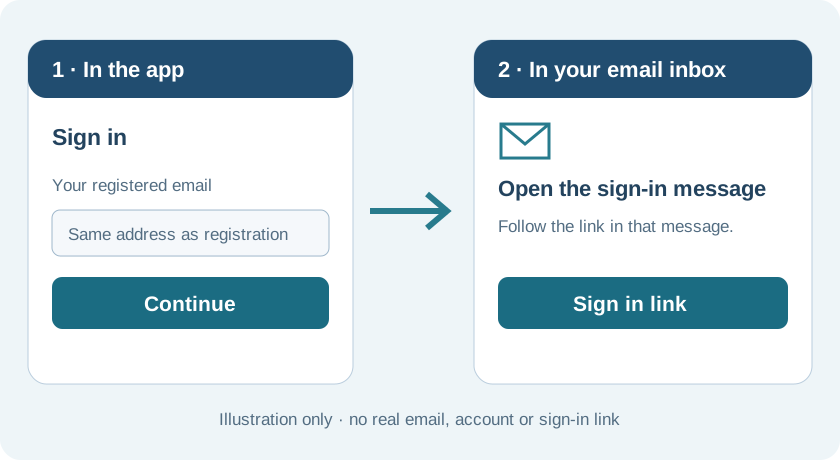
Illustrated action · request, then open the email link Select the image to enlarge. Choose the right form
Open All forms and select the form for your task. For activity reporting, choose 5Ws Activity Report.
A form link is not permission to submit; use only your authorised instruments.
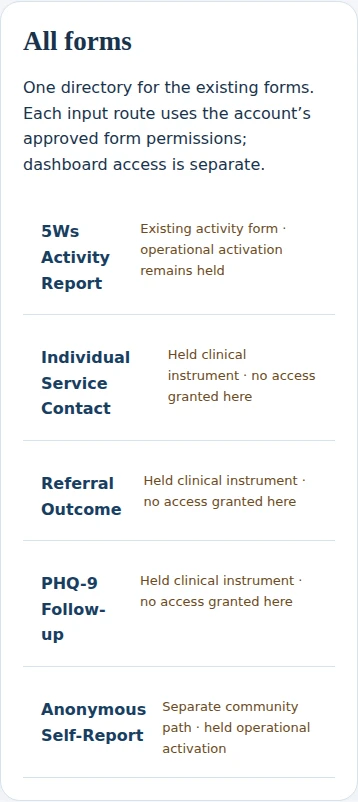
Screen reference · Choose the right form Select the image to enlarge. Fill, review and save
Follow the form sections. Check the activity, place, date and counts, then use the form’s Save report action.
Device save is not proof of server delivery. If status is unclear, keep the page open; do not repeatedly resubmit.
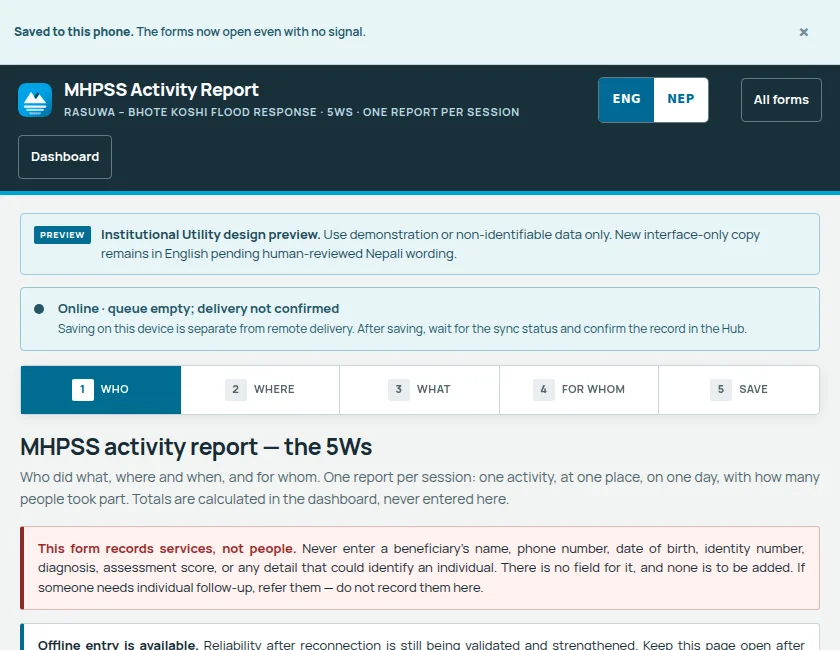
Screen reference · Fill, review and save Select the image to enlarge. Check My Dashboard
Open My Dashboard. Use Today, Yesterday, All dates or the date picker to find your received 5Ws entry.
This page currently lists received 5Ws reports only—not local drafts or other form histories.
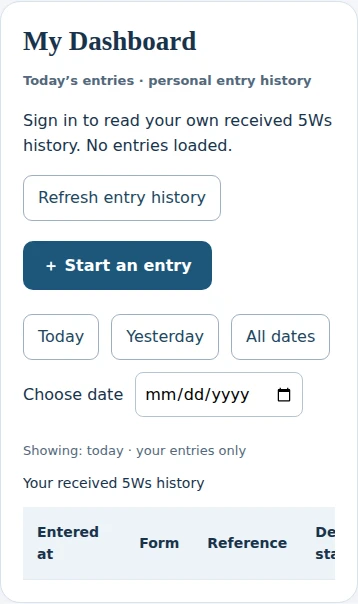
Screen reference · Check My Dashboard Select the image to enlarge.